
What Is No-Code Automation? Simple Explanation
No-code automation allows anyone to build complex software workflows without writing a single line of code. Here is how it works.
Sarah Chen
Author
The No-Code Revolution
Historically, if a business wanted to connect two pieces of software (like their CRM and their billing system), they had to hire a software engineer to write custom API scripts. This was expensive, slow, and hard to maintain.
Enter No-Code
No-code platforms (like Zapier, Make, and n8n) provide a visual interface where you can drag and drop icons to connect software. They handle all the complex API logic behind the scenes.
Benefits for Small Businesses
- Speed: You can build an automation in minutes, not months.
- Cost: No need to hire developers for basic integrations.
- Empowerment: Non-technical founders and operators can build their own solutions.
Common No-Code Tools
- Zapier: The easiest to use, with the most integrations.
- Make: More powerful visual builder, great for complex routing.
- n8n: Fair-code, self-hostable, excellent for advanced users wanting more control.
Frequently Asked Questions
What is the best way to get started with No-Code?
The best way to start is by implementing the basic steps outlined in this guide. Don't try to automate everything at once—start with a small, repetitive task.
Do I need to know how to code?
No, most modern automation platforms are "no-code" or "low-code", meaning you can build complex workflows using a visual drag-and-drop interface.
About Sarah Chen
Helping small businesses leverage AI and automation to punch above their weight. Founder of Tools Frontier with over 10 years of experience building scalable systems.
Read more from Sarah Chen →Get Automation Tips
Join 5,000+ founders getting weekly no-code automation tutorials.
Related Guides
Google Sheets Automation Ideas for Small Businesses
Google Sheets is a powerful automation engine when paired with the right tools. Here are practical ideas to implement today.
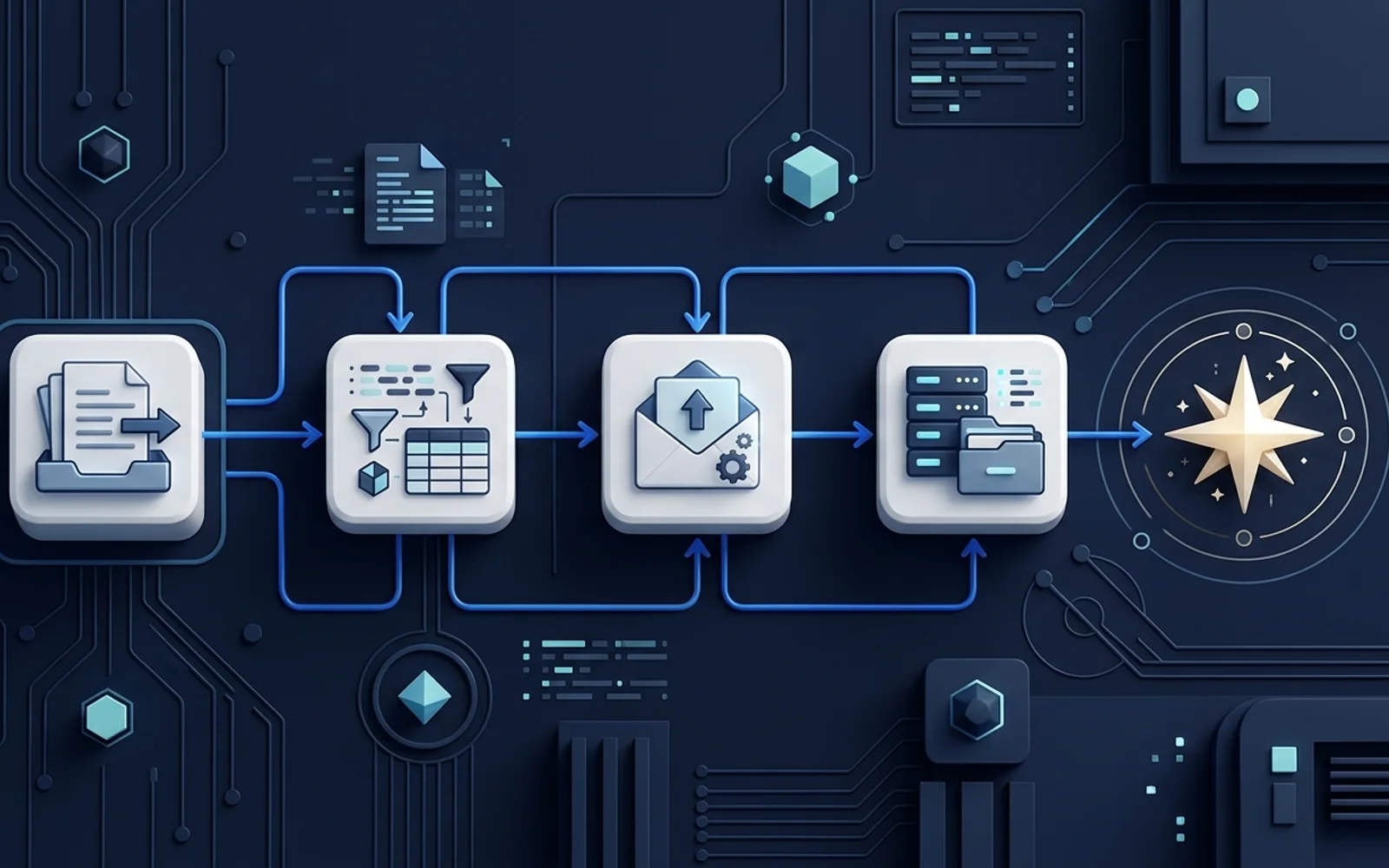
n8n Beginner Guide: How It Works
Everything you need to know to get started with n8n, the powerful, fair-code workflow automation tool.