
n8n Beginner Guide: How It Works
Everything you need to know to get started with n8n, the powerful, fair-code workflow automation tool.
Alex Jenkins
Author
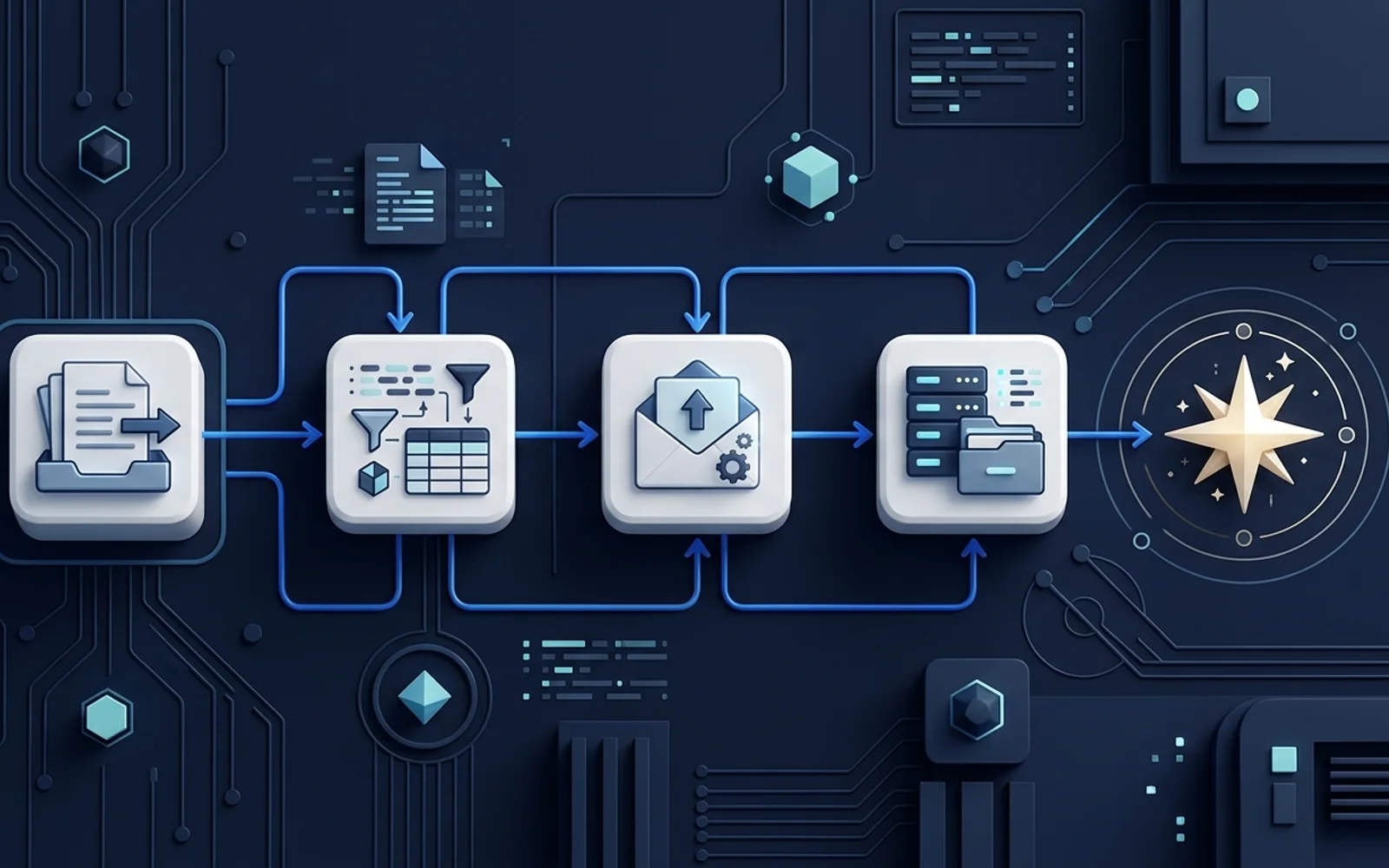
Getting Started with n8n
n8n is a powerful alternative to Zapier that gives you more control and flexibility, especially if you choose to self-host.
Core Concepts
Like other tools, n8n uses nodes.
- Trigger Nodes: Start the workflow (e.g., Webhook, Cron schedule, new email).
- Regular Nodes: Perform actions (e.g., HTTP Request, Slack message, Postgres query).
The Canvas
n8n features a drag-and-drop canvas. You connect nodes by drawing lines between them. Data flows from left to right.
Working with Data (JSON)
Unlike Zapier which hides the underlying data structure, n8n exposes the raw JSON data. This requires a bit of a learning curve but provides immense power. You can use simple expressions (similar to JavaScript) to manipulate data between nodes.
Hosting Options
- n8n Cloud: The easiest way. Managed by n8n.
- Self-Hosted (Docker): Run it on your own server (like DigitalOcean). Cheaper at scale but requires server maintenance.
Frequently Asked Questions
What is the best way to get started with n8n?
The best way to start is by implementing the basic steps outlined in this guide. Don't try to automate everything at once—start with a small, repetitive task.
Do I need to know how to code?
No, most modern automation platforms are "no-code" or "low-code", meaning you can build complex workflows using a visual drag-and-drop interface.
About Alex Jenkins
Helping small businesses leverage AI and automation to punch above their weight. Founder of Tools Frontier with over 10 years of experience building scalable systems.
Read more from Alex Jenkins →Get Automation Tips
Join 5,000+ founders getting weekly no-code automation tutorials.
Related Guides

Google Sheets Automation Ideas for Small Businesses
Google Sheets is a powerful automation engine when paired with the right tools. Here are practical ideas to implement today.

n8n vs Zapier: Which Is Better for Beginners?
A detailed comparison of n8n and Zapier to help small business owners decide which automation platform to invest their time in.