
How to Use AI in Business Automation
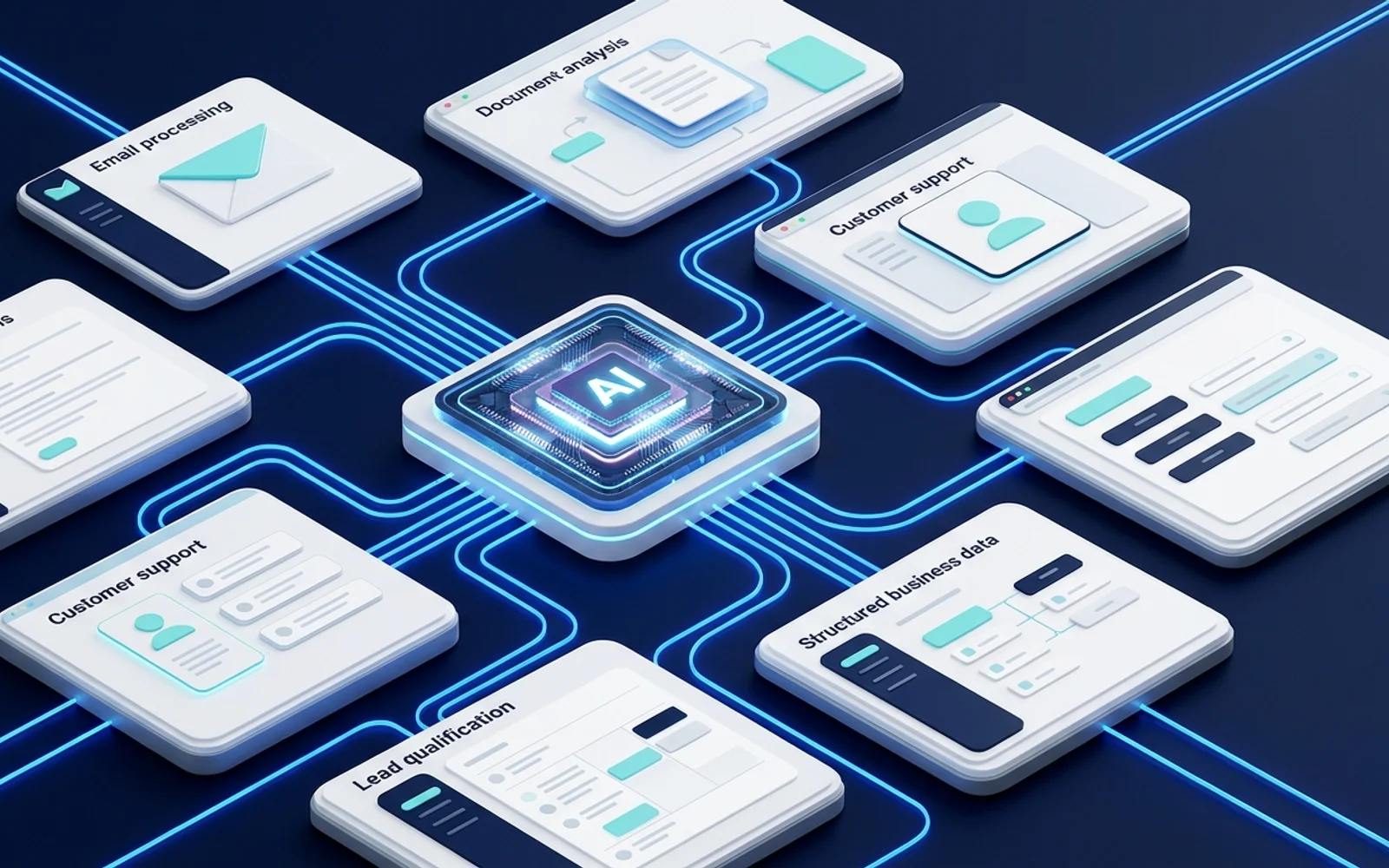
AI is changing automation from simple if/then rules to intelligent processes that can read, understand, and decide.
Alex Jenkins
Author
Beyond Simple Rules
Traditional automation moves data from Point A to Point B. AI automation analyzes the data while it’s moving.
Use Case 1: Smart Routing
Instead of routing support tickets based on simple keywords, use OpenAI to read the ticket.
- Prompt: “Read this email and categorize it as Billing, Tech Support, or Sales. Also determine urgency.”
- Based on the AI’s JSON response, route the ticket to the right Slack channel.
Use Case 2: Content Summarization
When a long sales call recording is finished (via Zoom), send the transcript to an LLM.
- Prompt: “Extract the key action items and objections from this call.”
- Save the summary directly into the CRM deal notes.
Use Case 3: Data Extraction
Processing invoices used to require expensive OCR software. Now, you can pass a PDF text dump to an LLM and ask it to find the “Total Amount” and “Vendor Name”, regardless of the invoice layout.
AI makes automation resilient and capable of handling unstructured data.
Frequently Asked Questions
What is the best way to get started with AI?
The best way to start is by implementing the basic steps outlined in this guide. Don't try to automate everything at once—start with a small, repetitive task.
Do I need to know how to code?
No, most modern automation platforms are "no-code" or "low-code", meaning you can build complex workflows using a visual drag-and-drop interface.
About Alex Jenkins
Helping small businesses leverage AI and automation to punch above their weight. Founder of Tools Frontier with over 10 years of experience building scalable systems.
Read more from Alex Jenkins →Get Automation Tips
Join 5,000+ founders getting weekly no-code automation tutorials.
Related Guides

Google Sheets Automation Ideas for Small Businesses
Google Sheets is a powerful automation engine when paired with the right tools. Here are practical ideas to implement today.
How to Automate Lead Follow-Up Emails
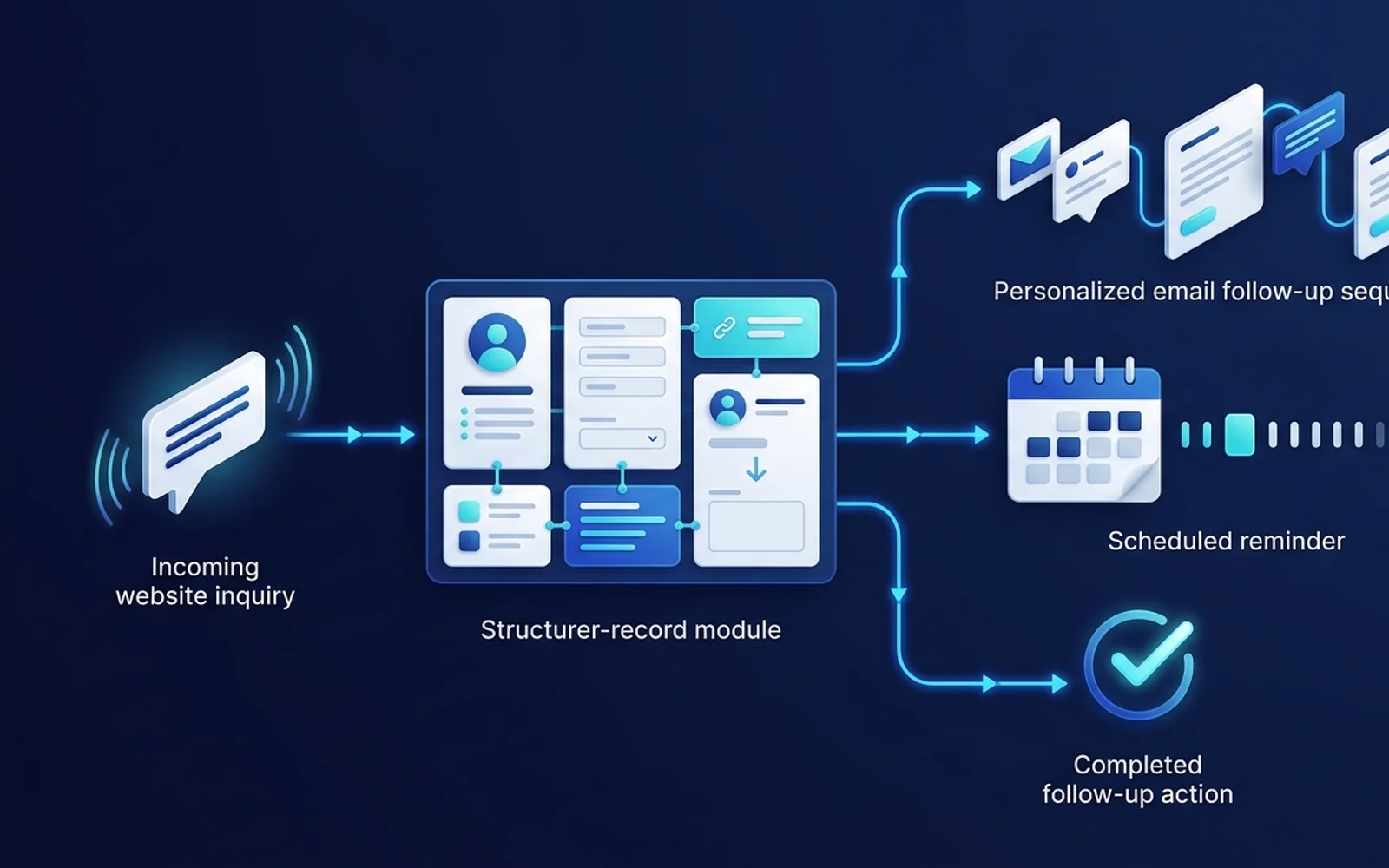
Stop losing prospects because you forgot to reply. Build an automated lead follow-up system that runs 24/7.