
How to Automate Lead Follow-Up Emails
Stop losing prospects because you forgot to reply. Build an automated lead follow-up system that runs 24/7.
Marcus Doe
Author
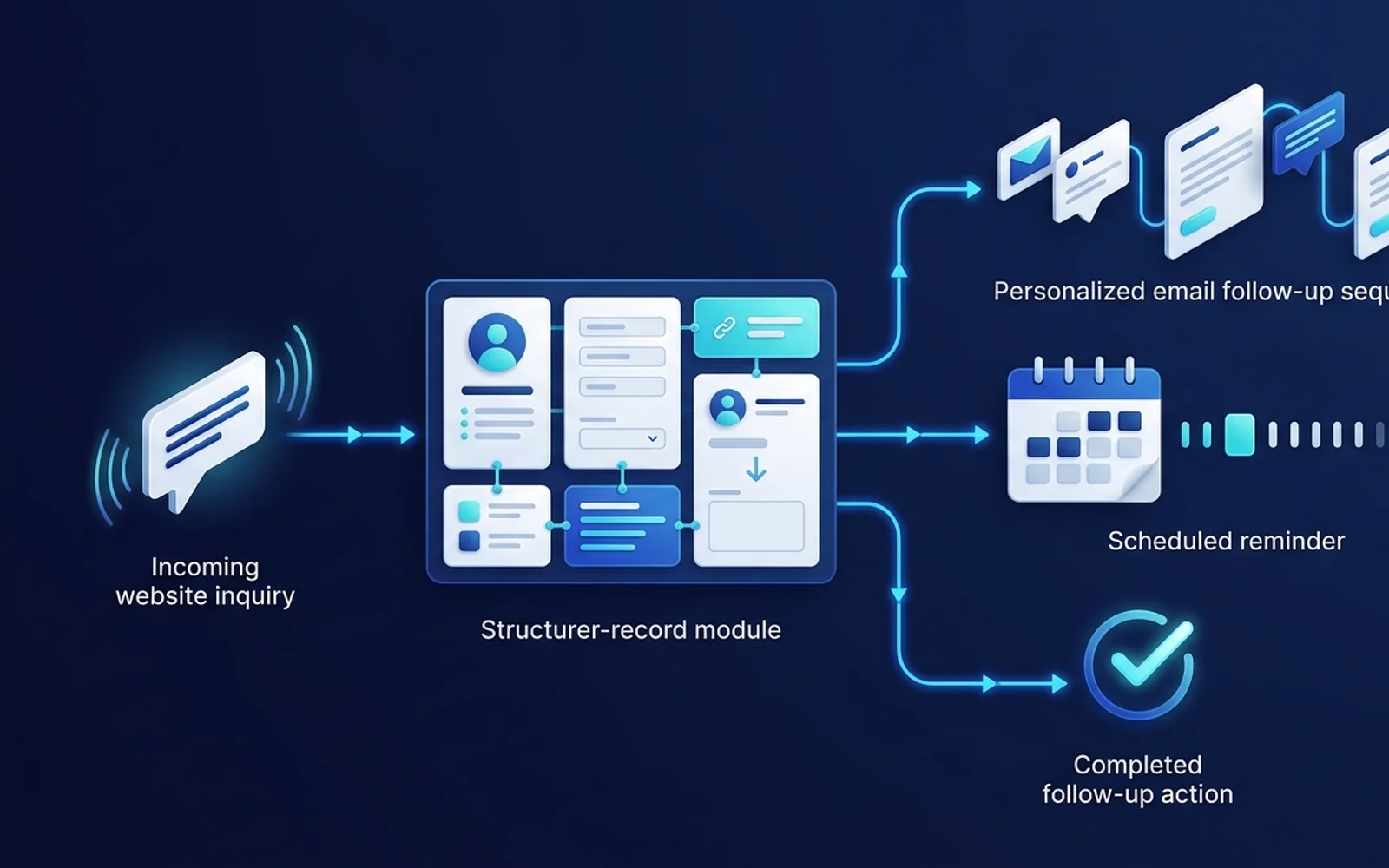
The Leaky Funnel
The number one reason small businesses lose leads is slow response times. If you don’t reply within 5 minutes, your chances of closing the deal drop significantly. Automation fixes this.
The Workflow
Here is how to build a basic follow-up sequence using a tool like Make.com or Zapier.
- Trigger: New Lead (e.g., from a Facebook Lead Ad or a Webflow form).
- Action 1 (CRM): Add the lead to your CRM (Airtable, HubSpot, etc.).
- Action 2 (Communication): Send an immediate “Thank you” email via Gmail or SendGrid.
- Tip: Keep it plain text so it looks personal, not like a marketing blast.
- Delay: Wait 2 days.
- Action 3 (Check & Send): Check the CRM to see if the lead’s status has changed (e.g., did they reply?). If not, send Follow-up Email #2.
Adding Personalization
Use data from the form to personalize the email. If they selected “Interested in SEO”, make sure your automated email mentions SEO specifically.
Frequently Asked Questions
What is the best way to get started with Business?
The best way to start is by implementing the basic steps outlined in this guide. Don't try to automate everything at once—start with a small, repetitive task.
Do I need to know how to code?
No, most modern automation platforms are "no-code" or "low-code", meaning you can build complex workflows using a visual drag-and-drop interface.
About Marcus Doe
Helping small businesses leverage AI and automation to punch above their weight. Founder of Tools Frontier with over 10 years of experience building scalable systems.
Read more from Marcus Doe →Get Automation Tips
Join 5,000+ founders getting weekly no-code automation tutorials.
Related Guides
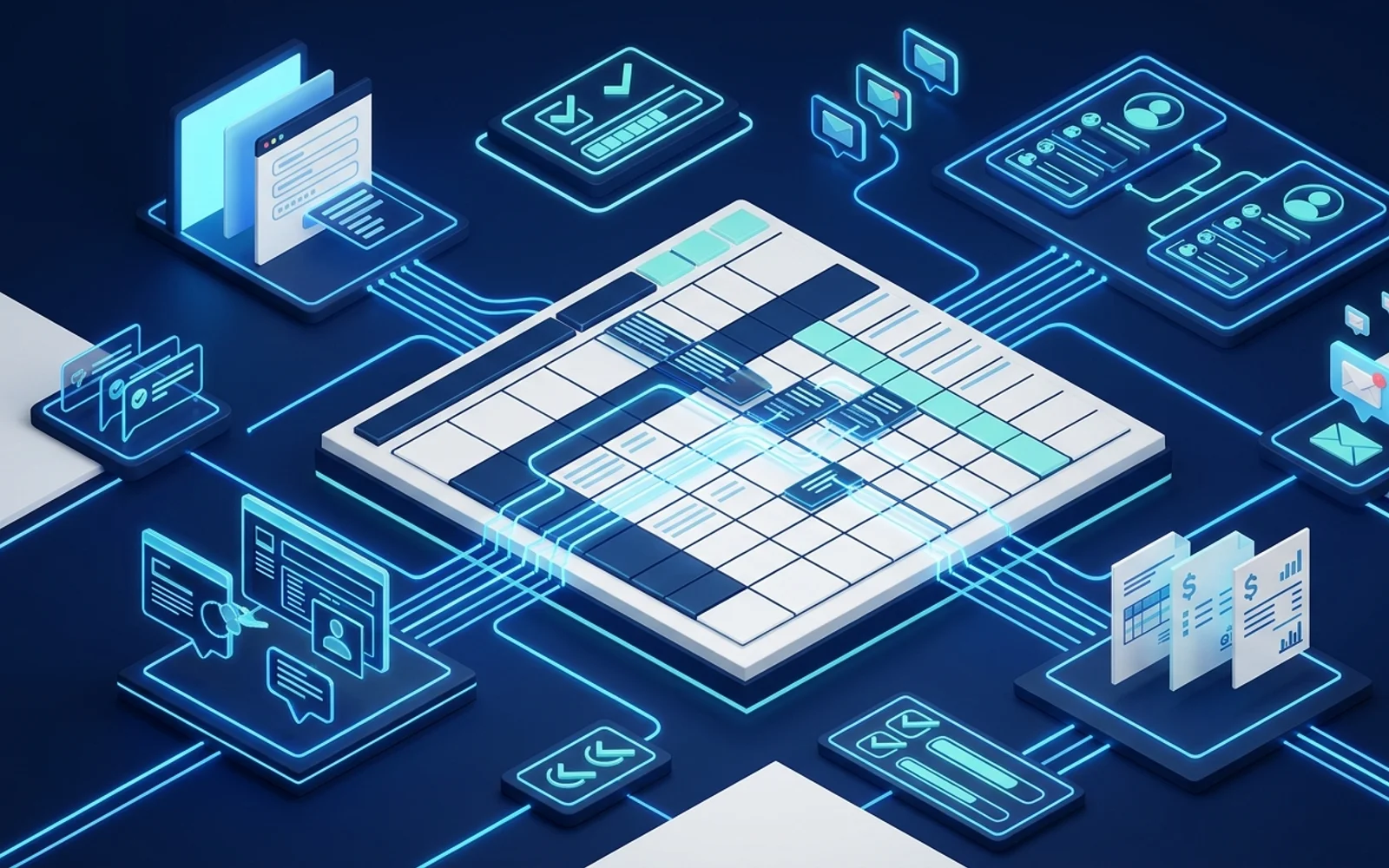
Google Sheets Automation Ideas for Small Businesses
Google Sheets is a powerful automation engine when paired with the right tools. Here are practical ideas to implement today.
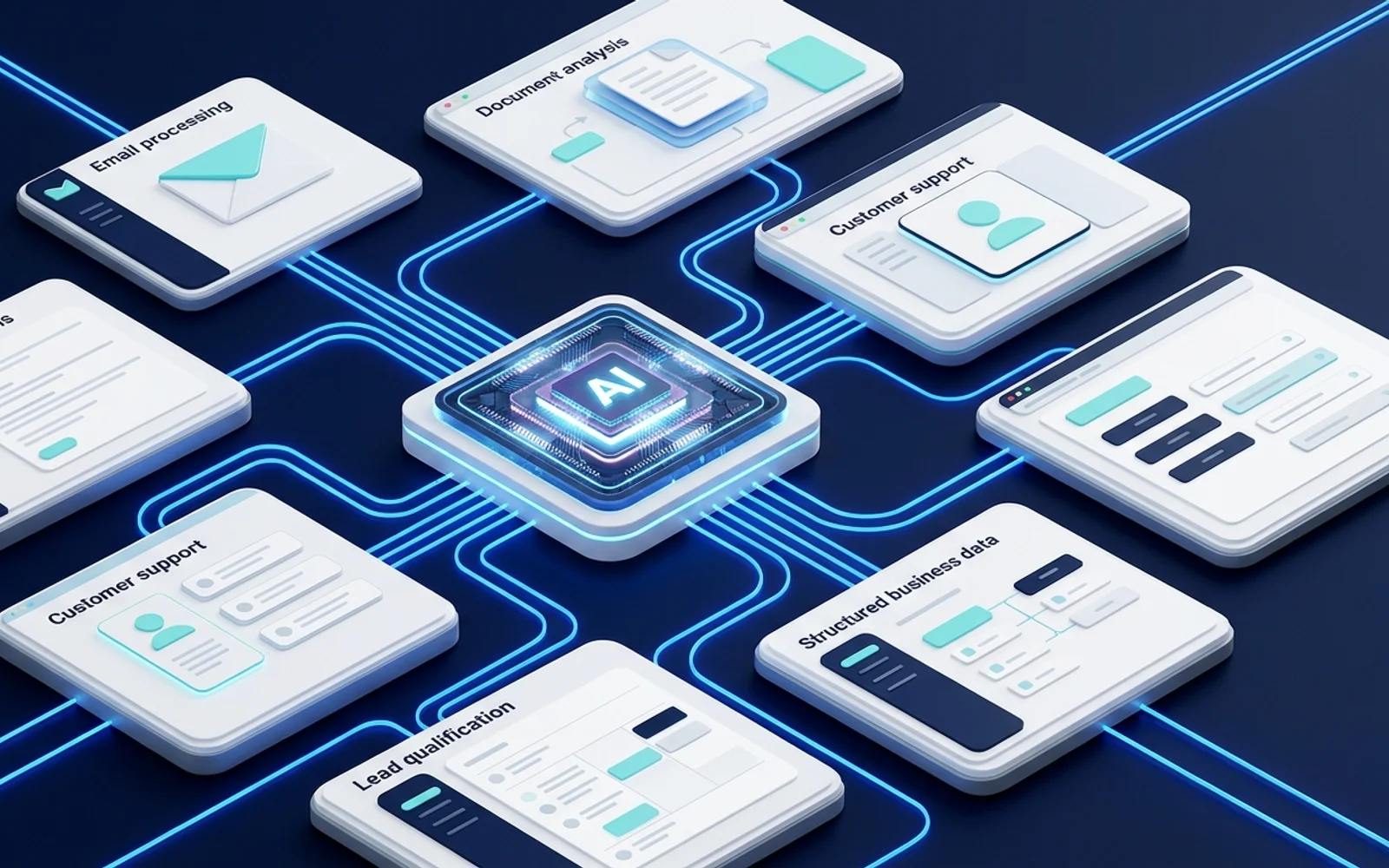
How to Use AI in Business Automation
AI is changing automation from simple if/then rules to intelligent processes that can read, understand, and decide.